If you see a staff account with an asterisk next to its status - or with a warning when creating/editing the account - this is called a managed staff account. These accounts were created (or taken over) by the schedule import process, and cannot be edited directly within JumpRope.
Generally these accounts come directly from your student information system. Some school districts require that we lock down staff accounts to improve the security posture of the district within other systems that manage student data.
What you can't do with managed staff accounts.
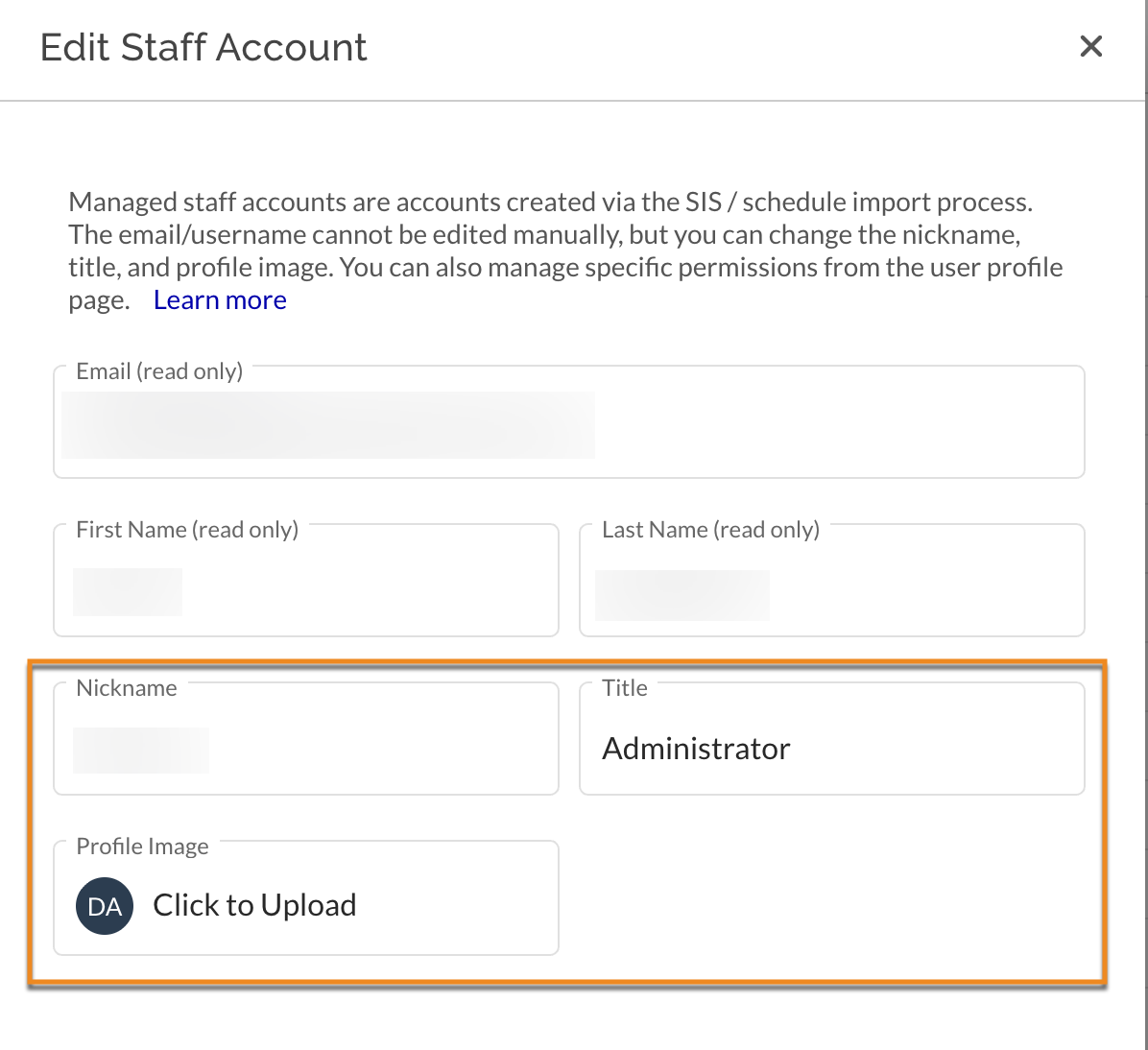
You cannot edit the user's name or email. If you need to edit the name or email of a managed staff account, you must make the change first in your SIS and allow it to propagate to JumpRope via the data import process (typically overnight).
In some cases, in order to comply with a district's requirements, we prevent admins from creating user accounts directly within JumpRope. In this case you must contact your school district and/or create the account directly in your SIS.
What you CAN do with managed staff accounts
- You can make changes to the nickname, title, and profile image of a managed account within JumpRope.
- You can disable the staff account within JumpRope. However, it is possible that the next data import will re-enable the staff account.
- You can manage permissions (Admin, Reporting, Setup) for each role the user has by clicking on the staff account's name and using the Profile page.
Was this article helpful?
That’s Great!
Thank you for your feedback
Sorry! We couldn't be helpful
Thank you for your feedback
Feedback sent
We appreciate your effort and will try to fix the article