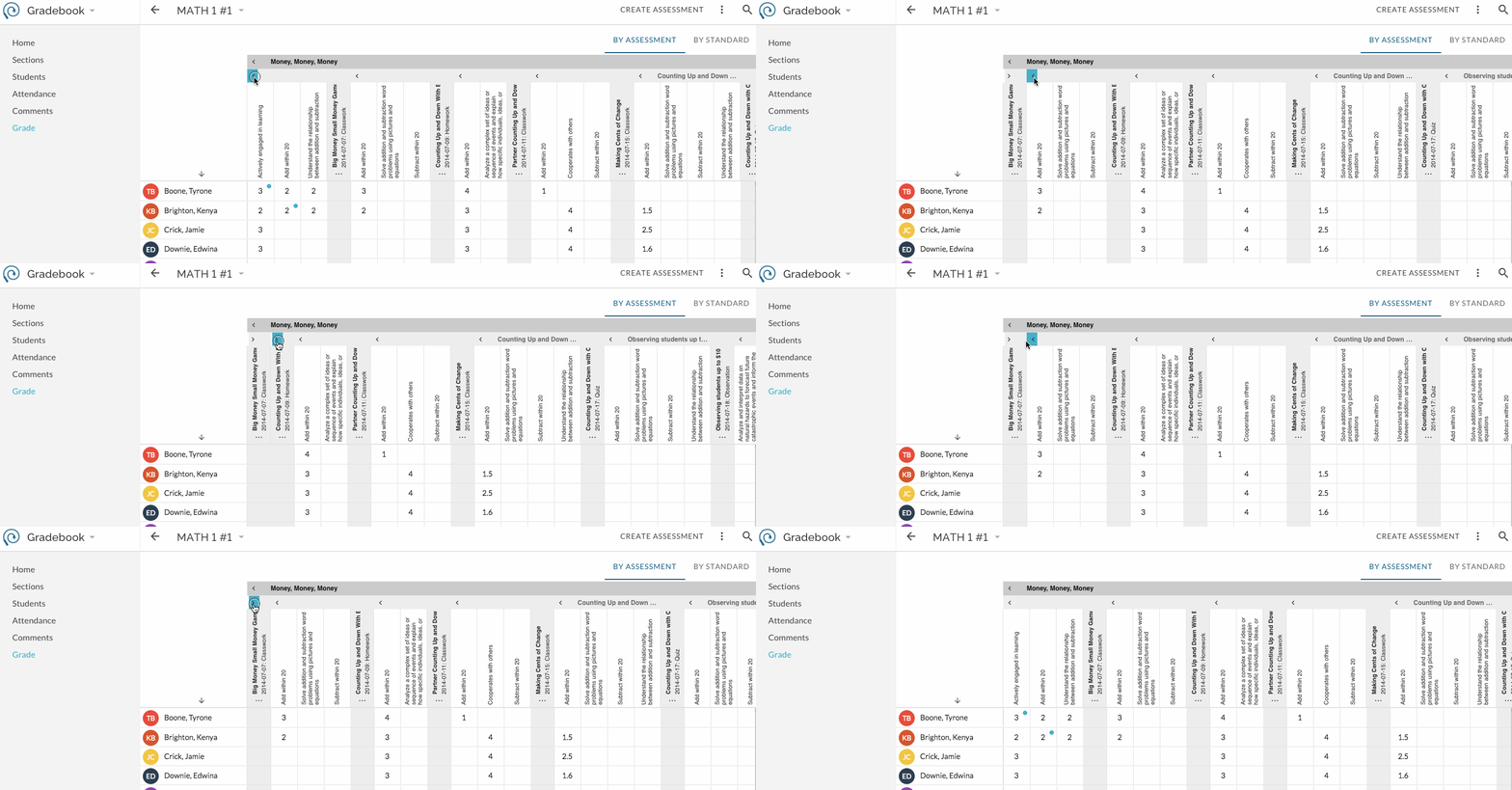
Gradebook columns are grouped by various attributes (i.e. Folders, Standards, etc). Column groups can be collapsed and expanded to view or hide items to see more or less on your screen.
Click on the to expand the group.
Click on image to view larger:
Sorting - The list of students can be sorted alphabetically from A-Z or Z-A. Click on the column header above the student list to reverse sort.
Scrolling - Scroll right to view additional columns and scroll down to view additional rows. Two-finger scrolling, mouse roller scrolling, and scroll bars are supported.
Was this article helpful?
That’s Great!
Thank you for your feedback
Sorry! We couldn't be helpful
Thank you for your feedback
Feedback sent
We appreciate your effort and will try to fix the article