This information is most relevant for NYC schools using STARS programming for schedule data imports into JumpRope. See also: Fixing Teacher Mappings for STARS imports
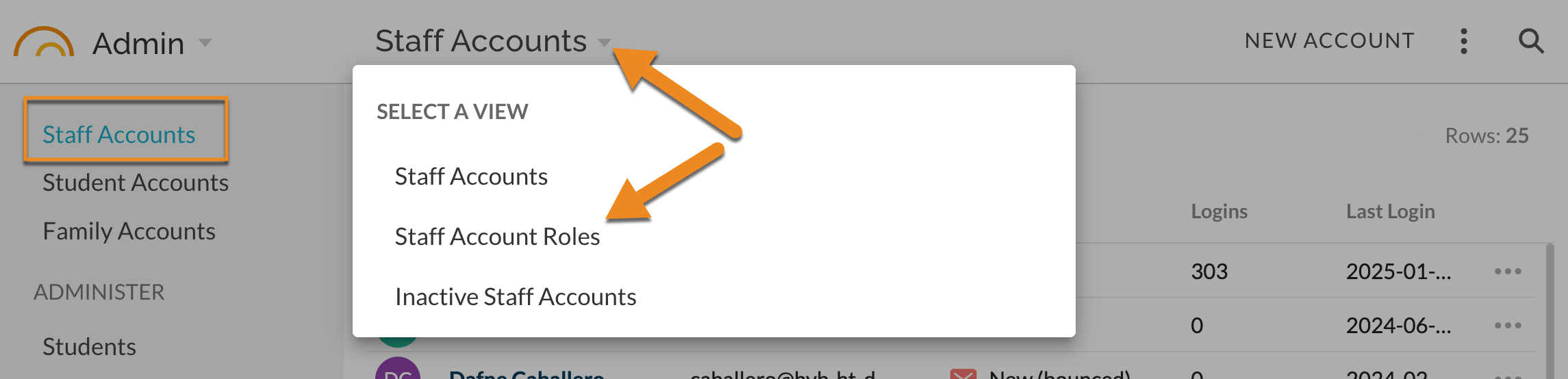
- In Admin - Staff Accounts, change the view to Staff Account Roles.
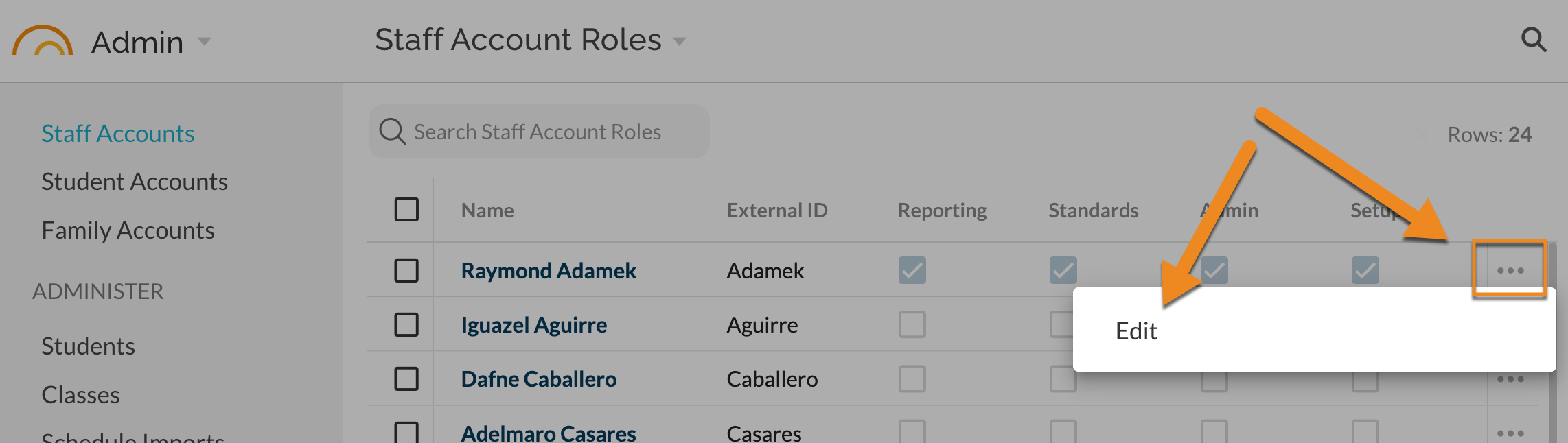
- Find the desired Staff Account and select Edit from the ⋯ menu.
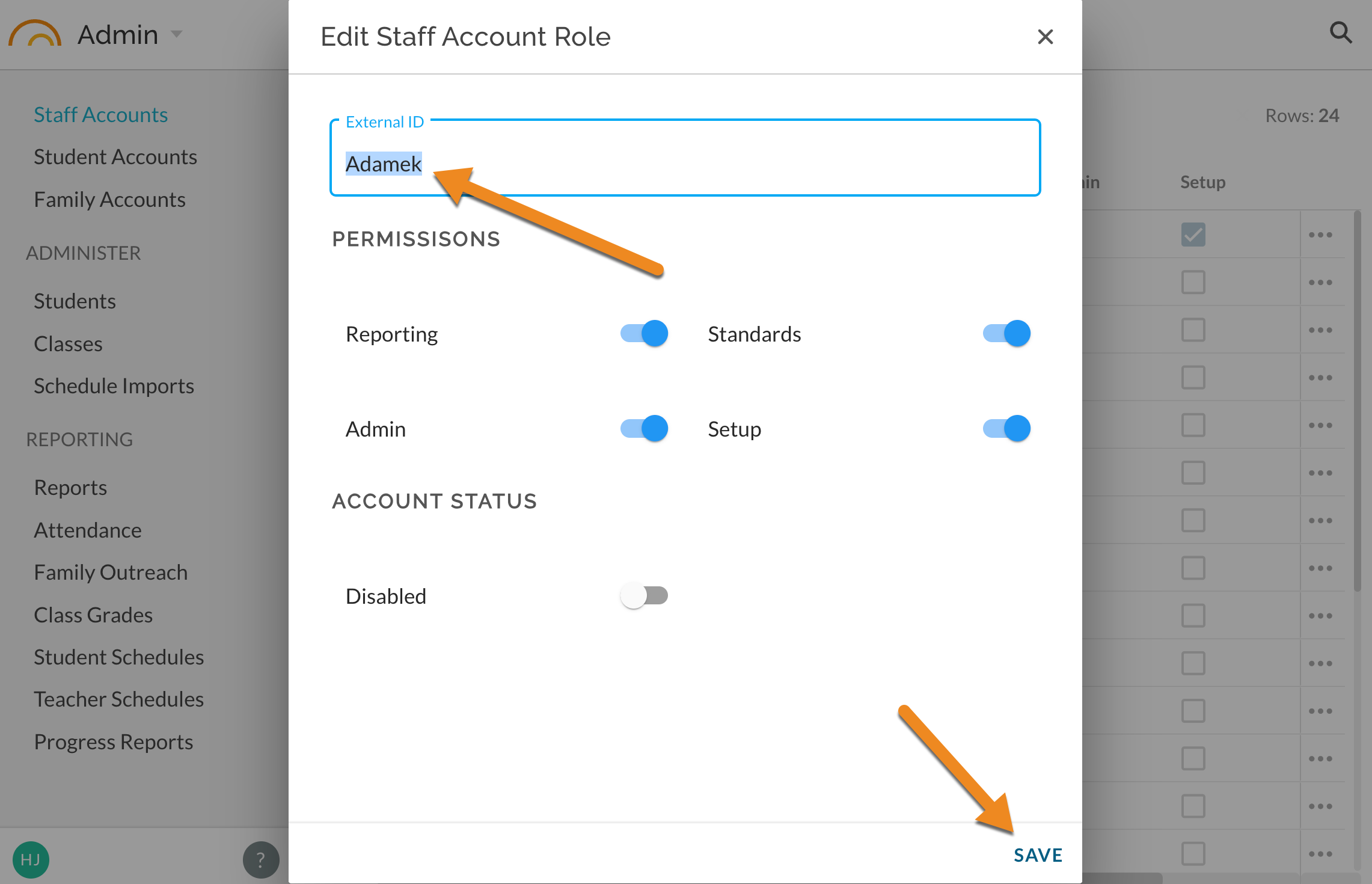
- Edit the External ID value and SAVE.
- Reload scheduled/program data to match and map classes to updated External ID.
Was this article helpful?
That’s Great!
Thank you for your feedback
Sorry! We couldn't be helpful
Thank you for your feedback
Feedback sent
We appreciate your effort and will try to fix the article