Content Areas
One or more Content Areas can exist in a single Bank. A Content Area is required for each Parent Standard
Create a new Content Area
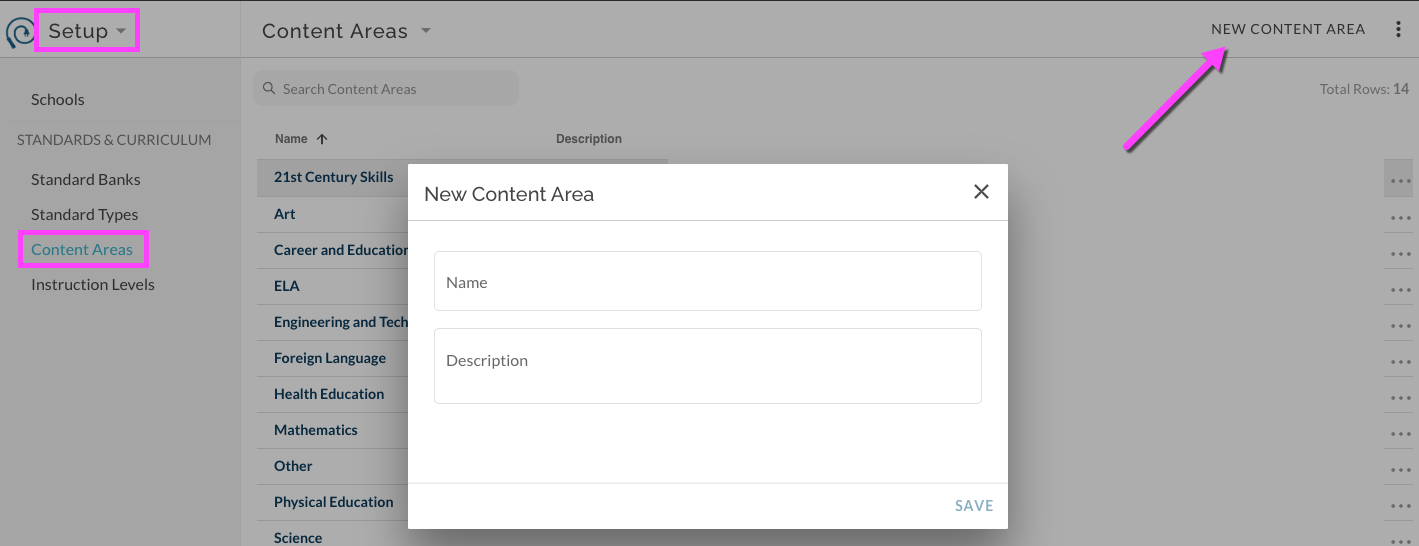
In Setup Menu, select Content Areas. Select New Content Area in upper right menu. Enter Name and optional Description.
Edit existing Content Area
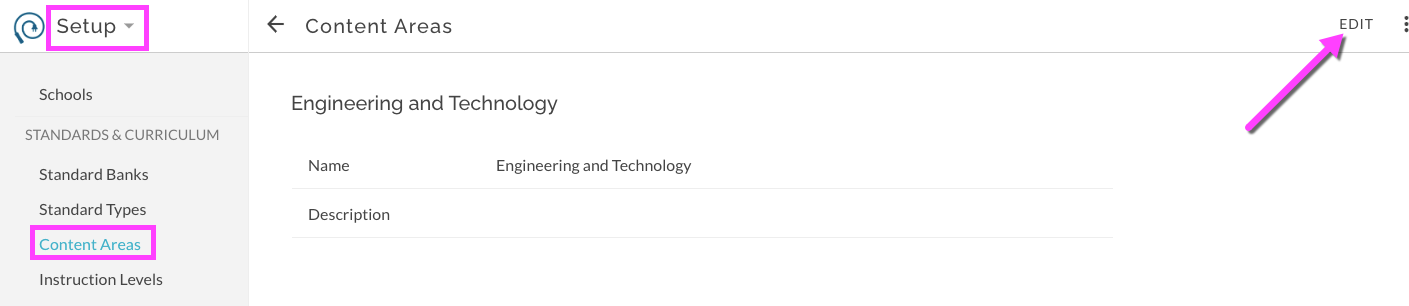
Select desired Content Area by clicking on its name. This opens the details for the Content Area. Select to edit.
Was this article helpful?
That’s Great!
Thank you for your feedback
Sorry! We couldn't be helpful
Thank you for your feedback
Feedback sent
We appreciate your effort and will try to fix the article